MiSTer FPGA passive video cable you can build yourself
4 minutes read
Here's a passive S-Video to VGA cable I made for my MiSTer FPGA so that I could use it with a composite only TV. You'll need some inductors, some ceramic capacitors, a 414x diode and resistor.
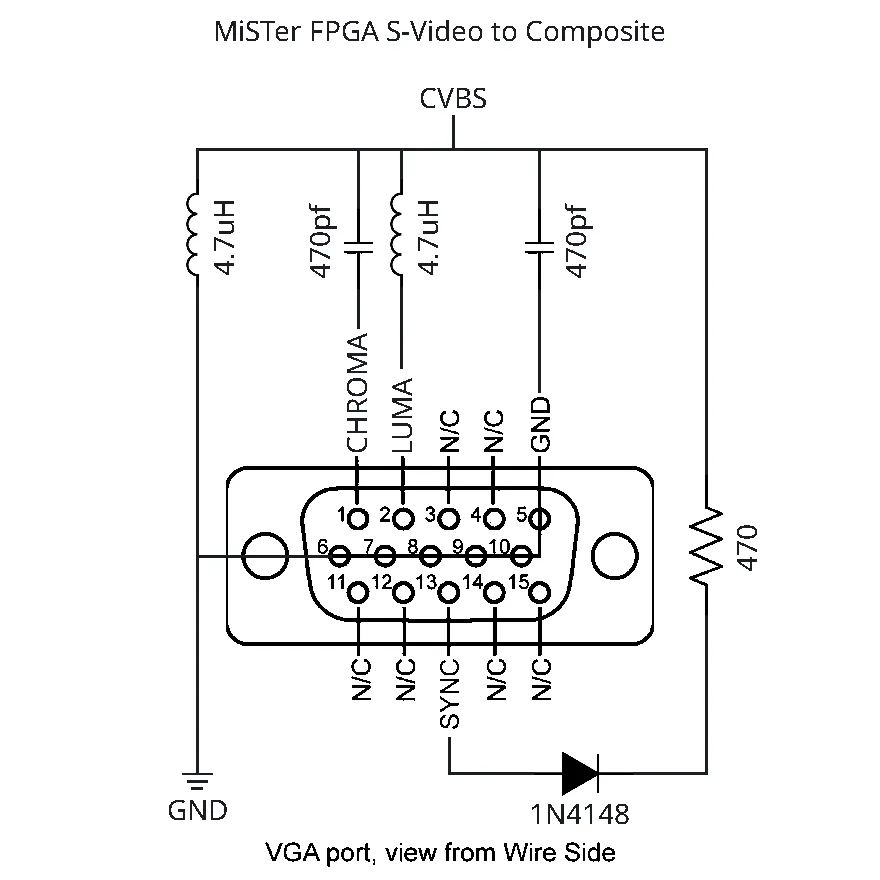
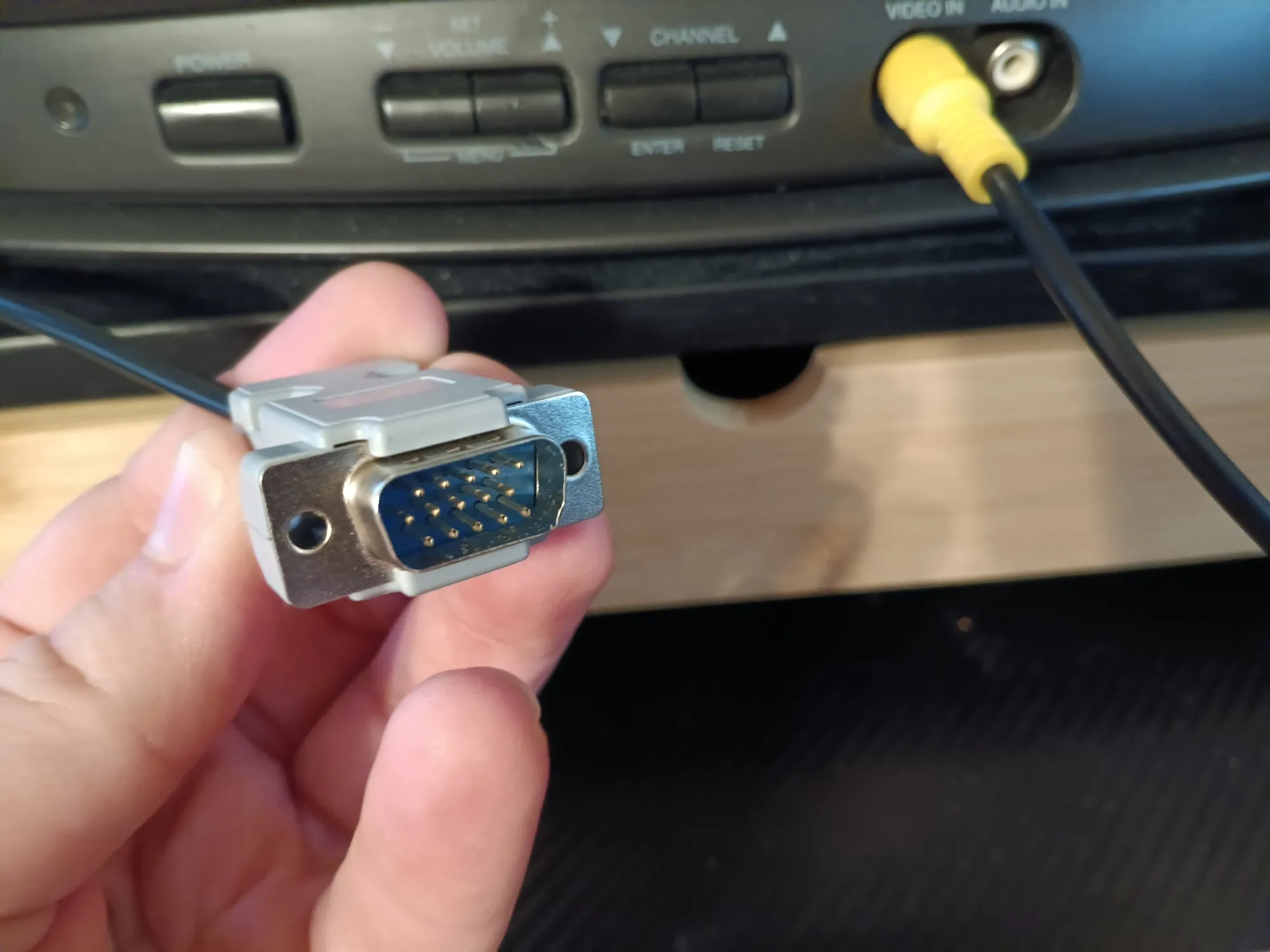
I built it directly in the connector: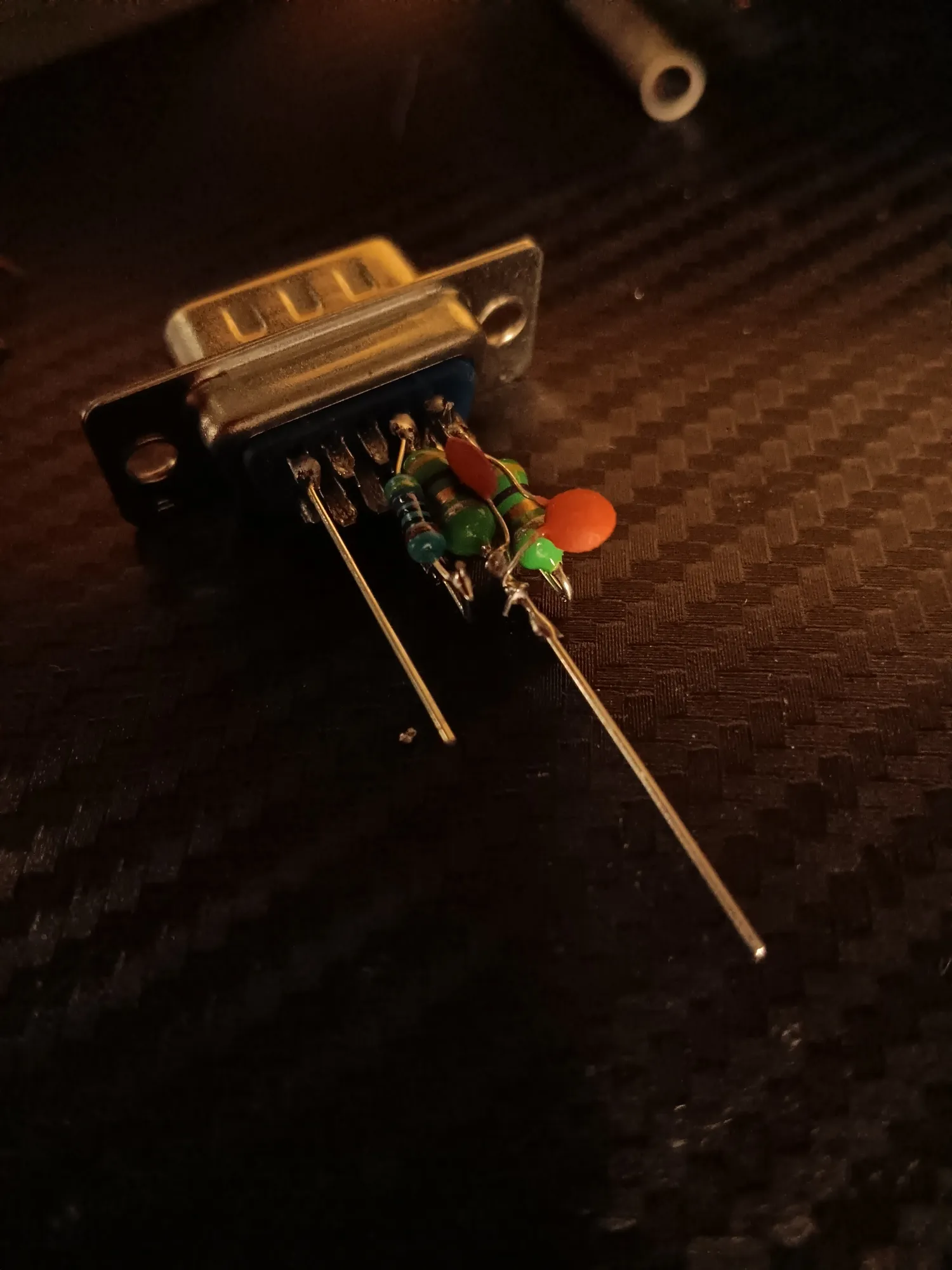
Cut the end off of a cheap composite video cable and wire it up with a screw-together shell and now I have a decent cable to play my games on my little tube.
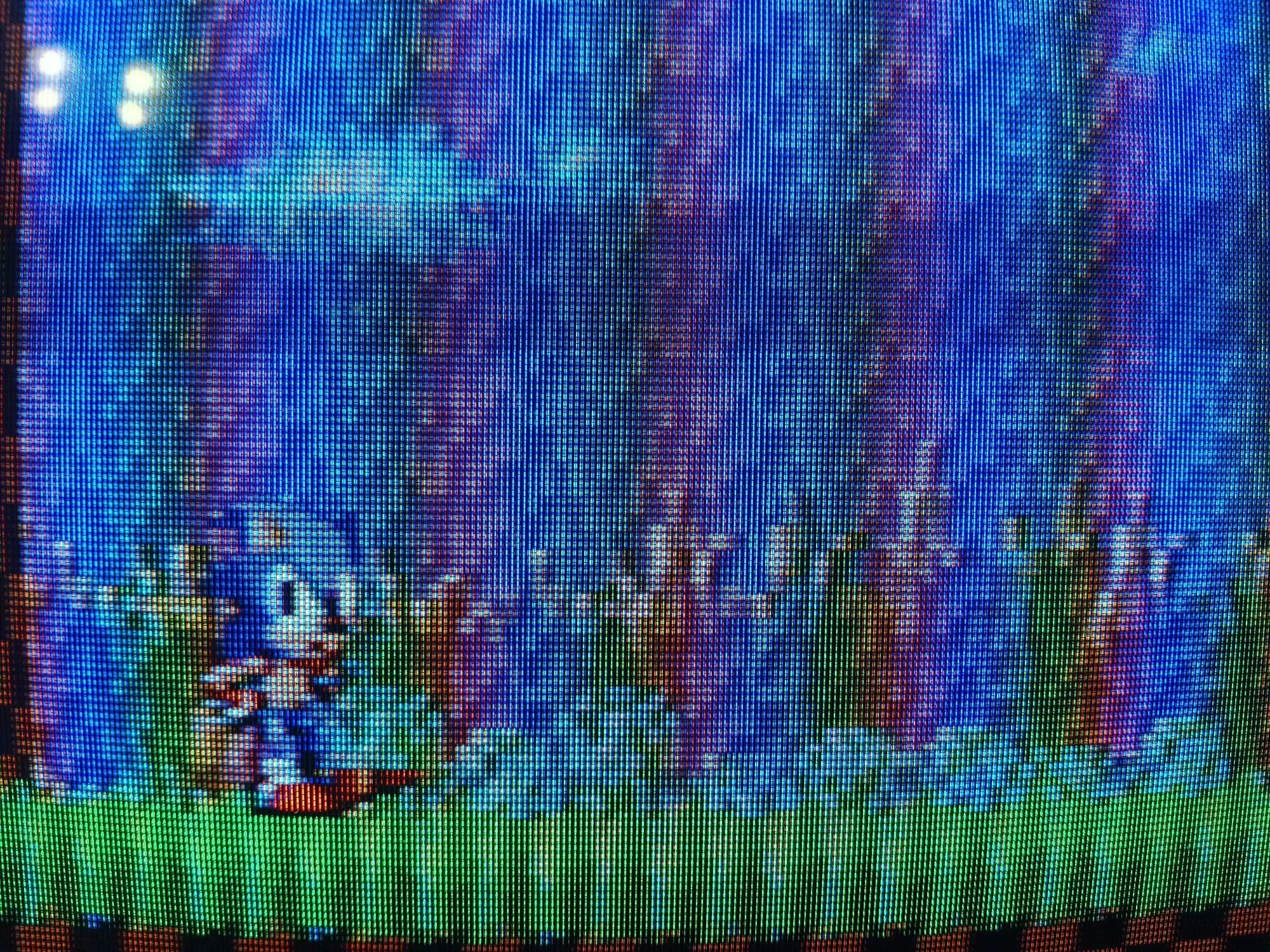
So why do you need this if the MiSTer can output composite video already? Because the MiSTer's digitally created composite really sucks! It works in a pinch but it's a rainbow colored mess because the totally unfiltered luma signal is so high frequency. So you need something like this; the circuit creates a notch filter in the output that helps keep the luma signal from interfering with the chroma and creating that nasty rainbowing.
Note that you can omit the sync combining part (the diode and resistor) if you are using an I/O board set up to use sync-on-green, but I found that the sync signal this generates wasn't great for my TV. Also, constructing the cable the way I did also lets you use it with an HDMI to VGA adapter in direct video mode without having to modify it, which is nice.
This cable works by taking the MiSTer's native S-Video and filtering it and combining it down to composite, so you need to set up your MiSTer.ini for this. Note that this is for NTSC. You could build a PAL video cable by changing the capacitor and inductor values to scale the filter cutoff; some quick figuring, I think substituting the inductors for 3.3uH parts would probably get you close enough.
vga_mode=svideo
composite_sync=1
ntsc_mode=0
The results are not too bad at all. If you want to get rid of rainbowing entirely, move up to a 6.8uH inductor. Your image will get overall softer, though. Them's the breaks! You can also try turning on the composite video filter in cores that have it (like the MegaDrive core) and this will also take care of it by pre-filtering the image. Neat!
Here's what it looks like straight up: